
How to organize your insurance business in five loops
The five loops that organize your insurance business: one home each for tasks, files, conversations, money, and the standing review that keeps it working.
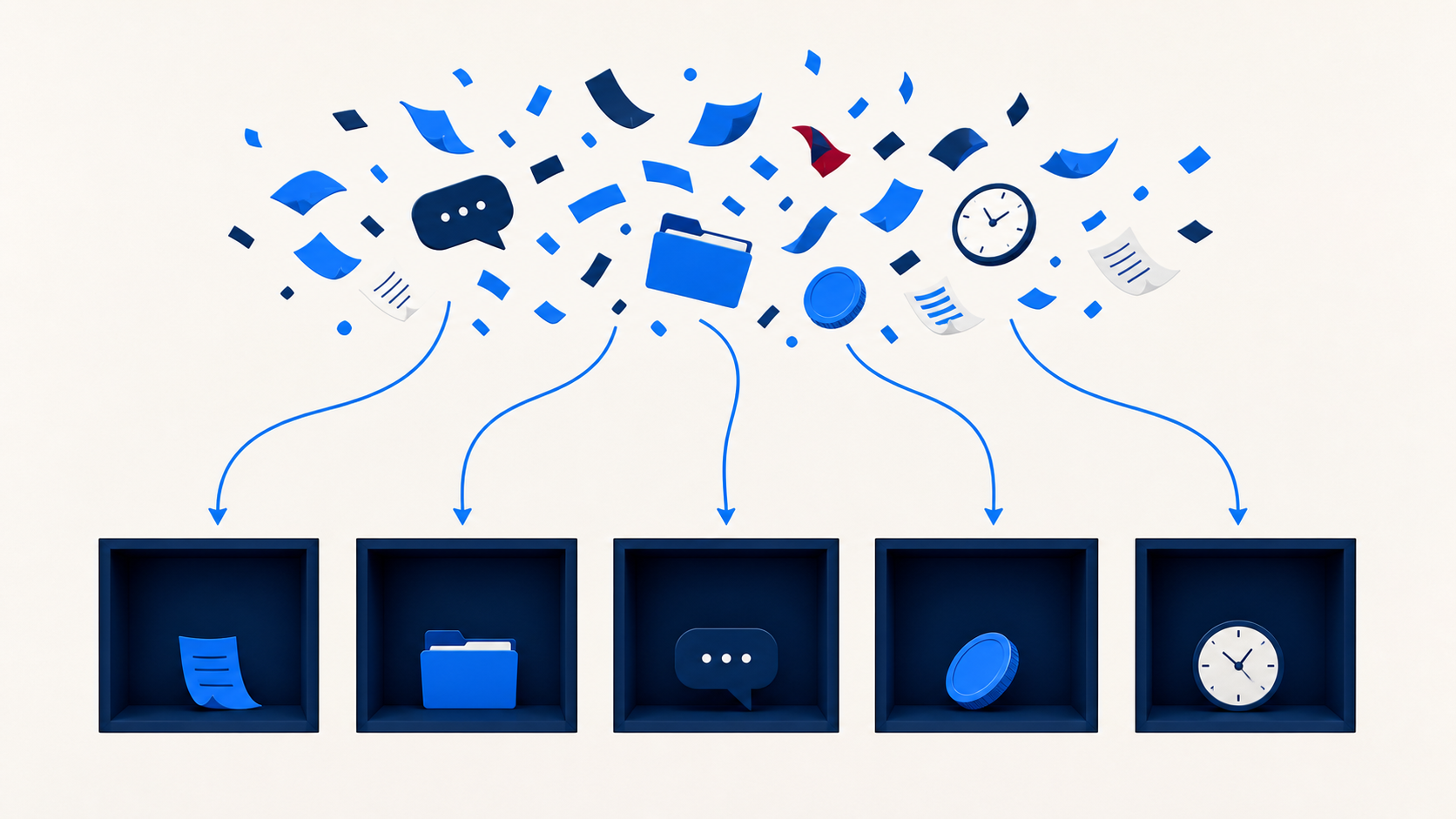
Most agents I talk to don’t have a workload problem. They have a location problem.
The renewal list is in your head. The carrier form is buried in an email from March. The follow-up you promised a client is on a sticky note stuck to your monitor, and the reason that client almost walked last year is in a text thread you’ll never find again.
That isn’t too much work. That’s work with nowhere to live.
Why trying to organize your insurance business usually fails
When agents decide to get organized, they go big. Weeks mapping out the perfect setup. Subscriptions to four new tools. A folder structure nine levels deep that nobody, including you, will ever use the same way twice. Two months later everything is back in the inbox.
You were building a skyscraper when what you needed was a foundation. And the foundation is smaller than you think: it’s just deciding, in advance, where things go.
Here’s why that matters more than tidiness. Anything that lives only in your head can’t be delegated, improved, or picked up by staff while you’re at a conference, at least not the parts unlicensed staff are allowed to touch. It’s fragile, and it breaks the first week you get busy.
So forget the flowcharts. Five loops. I call them loops because each one is a habit you repeat, not a system you build once and admire.
Loop 1: every task lands in one place
Your brain is for having ideas, not holding them.
Start with a brain dump. Write down every recurring task in your business. New client intake. Application follow-up. Chasing a missing signature. Carrier appointment renewals. Commission reconciliation. CE credits. The quoting you keep pushing to Friday.
I do this constantly. A few nights ago I woke up at 4 a.m. and couldn’t get back to sleep, so I opened the notes app on my phone, typed “4 a.m. brain dump,” and emptied my head into it. Fell asleep twenty minutes later. Nothing on the list got easier. It just stopped rattling around.
Once it’s out, it needs a home. Pick one task system and commit. Asana, Trello, ClickUp, Notion, the notes app on your phone. The tool matters far less than the rule, and the rule is: all tasks go here.
A simple board is enough:
- Inbox for anything new
- Next up for what you’ve prioritized
- In progress for what you’re actually working on
- Waiting for what’s stuck on someone else, which in this business is usually underwriting
- Done
Anything tied to a specific client belongs somewhere else, though. Lead follow-up, quote reminders, and policy anniversaries should live in your CRM on the client record, not in a general task list. A task that says “call Maria back” is useless in six months. A note on Maria’s record is client history.
Loop 2: every file lands in one place
Same principle, different pile. One cloud storage location. Google Drive, Dropbox, OneDrive. Pick one.
The goal is that information is findable, not that your folder structure wins an award. Something like this covers most agencies:
- Admin
- Clients
- Marketing
- Financial
- Templates
Or if you’re client-first: Clients, then a folder per client with onboarding, applications, and policy documents inside. Whichever matches how you actually work.
Then go paperless. Scan it, file it, stop letting paper pile up on the desk.
Two things worth pausing on, because our industry is different from most small businesses here.
First, applications carry Social Security numbers, health history, and banking details. Depending on the products you sell and where you’re licensed, rules like HIPAA and state insurance data security laws may govern how that information is stored, encrypted, and who can open it. Before you drop a folder of applications into a shared drive, check what your carriers require and confirm the setup with your compliance contact or your own counsel.
Second, going digital is not the same as being free to shred. Carriers and states set minimum retention periods, and some still want originals. Confirm the retention and destruction rules that apply to you before anything hits the shredder. Convenient and compliant aren’t automatically the same thing.
Loop 3: every conversation has a channel
You can have perfect files and a clean task board and still feel like it’s chaos, because nobody can remember where anything got decided. A few rules fix most of it:
- Email is for formal external communication with clients and carriers
- A chat app is for quick internal questions. We use Slack, and I’m in it with my team all day
- Your project or task tool holds all discussion about a specific task, so the comments live with the work
- Your calendar holds anything that needs a block of time
- Your CRM holds the client conversation, texts, call logs, and notes, on the client record
That last one carries weight beyond convenience. If a client ever disputes what was recommended, “it was in a text on my old phone” is not a great answer. Documented client communication is how you protect yourself, and it’s worth confirming your retention practices match what your E&O carrier and your state expect.
Note the wording there: call logs and notes, not recordings. Recording a call is a separate decision with its own rules, and consent requirements vary by state, so get that one right before you turn anything on.
Loop 4: the money gets recorded as it happens
This one isn’t optional, and it’s where I see the most stress.
Keep business and personal completely separate from day one. Dedicated business bank account. If you don’t have an entity set up yet, at minimum open a second personal account and run the business through that until you do, and let your CPA make the call on the entity itself. Sorting eighteen months of mixed statements in April is a miserable way to spend a week.
Use real accounting software. QuickBooks, FreshBooks, Wave. Connect the bank feed so transactions flow in on their own, and scan receipts when you get them, not at year end. Track commissions as they land, which matters more in insurance than most industries because several carriers are paying you on several schedules, and chargebacks show up months later.
I’ve automated a chunk of this on one of my businesses using Claude, the AI assistant I use for most of my back-office work (here are the prompts I run). It categorizes the transactions in QuickBooks and I just review. Same principle as everything else here: the recording happens close to when the money moves, so nothing piles up.
Tax season should be printing reports, not doing archaeology.
Loop 5: the review that keeps the other four alive
Getting organized isn’t a cleanup. It’s maintenance. A system nobody checks quietly stops being a system.
Book 30 minutes on your calendar, weekly or monthly, and ask four questions:
- What’s stuck? Anything sitting in Waiting that needs a nudge
- What’s missing? Tasks, files, or expenses that never made it into a system
- What can be deleted or automated? Recurring work that shouldn’t be manual anymore, and there are more of those than most agents think
- What’s confusing? A folder nobody can find, a rule the team reads two ways
This is the loop that turns decent systems into ones that hold. It catches small slips before they become the kind of problem that eats a whole Saturday.
Put it together
Five loops. Tasks in one place. Files in one place. Conversations in the right channel. Money recorded as it moves. A standing review that keeps it honest.
That’s the foundation. Everything else is detail.
A business gets dramatically easier to run when the right thing has one obvious place to live, and it gets more valuable too, because an agency that runs on systems instead of your memory is one you could actually hand off or sell someday.
Pick one loop this week. Not five. The one that’s costing you the most right now. Then spend the time it frees up on the work that actually grows an agency.
Any CRM can store a client record. The reason we built ours for insurance agents is that the follow-up, the pipeline stages, and the client history come already set up the way an agent actually works, so the client loop is running on day one instead of being another system you have to design.