
Faceless tutorial videos with AI: no camera, no editor
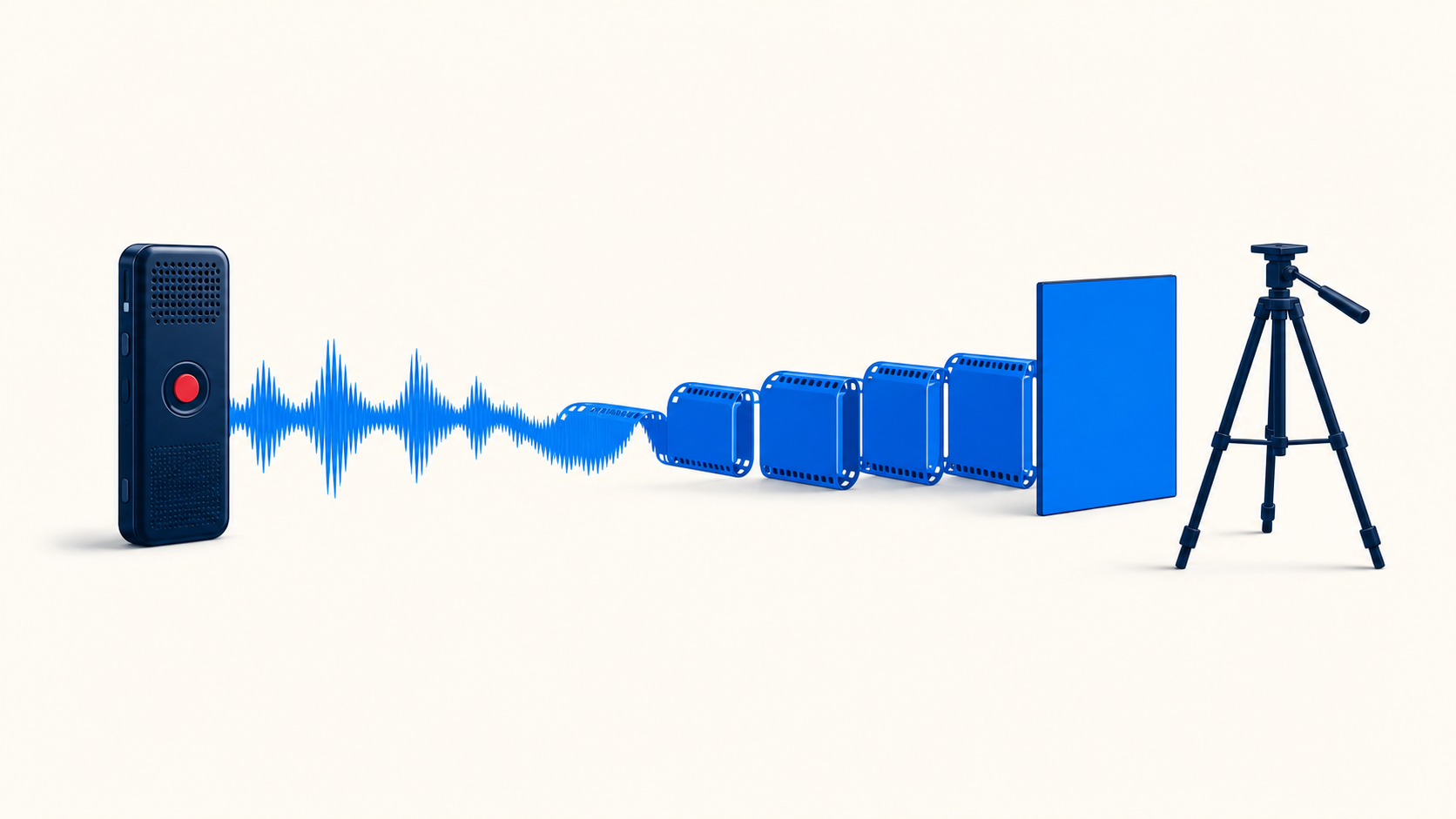
How I build faceless tutorial videos with AI: a voice memo, Whisper for word-level timing, ElevenLabs for narration, and a finished branded MP4 at the end.
Every tutorial video you record starts dying the day you post it. A button moves. A menu gets renamed. Six months later you’re sending clients a walkthrough that tells them to click something that isn’t there anymore.
So I stopped putting my face in them.
I make tutorial and course videos constantly, for CRM clients, for AI tools, for anything an agent needs to be walked through. Faceless tutorial videos let me swap one out the second the software changes. No reshoot, no calendar. And the whole thing gets built by Claude Code from a voice memo.
Why faceless tutorial videos beat on-camera ones
An on-camera video locks you in. When the product updates, fixing it means the same shirt, the same lighting, the same room, and an hour you don’t have.
Nobody does that. The video just stays wrong, and your clients keep hitting a step that doesn’t match their screen.
I’d also skip recording tutorials in your own voice, for the same reason. The moment something changes you’re back at the mic. With an AI voice you change a line in the script, regenerate, and swap the file in about thirty minutes.
Start with a voice memo, not a polished script
Here’s the part that surprises people. You don’t write anything.
Open your phone, walk through whatever you’re explaining, and just talk. Ums, uhs, restarts, all fine. You already know the material better than any script you’d sit down and write.
Then hand that voice memo to Claude Code. It pulls the filler, fixes the grammar, and tightens the whole thing into a clean narration script. You’re not trying to sound good on the recording. You’re just getting the information out of your head.
You can also have AI write the script cold, or write it yourself. Both work. The voice memo is just faster, and it sounds more like you because it started as you.
The two integrations you actually need
Two connections and you’re set up:
- An OpenAI key, for Whisper. Whisper timestamps every single word in the narration. That’s the piece that matters. Those word-level timestamps are what the build uses to line the on-screen text up with the exact word being spoken, instead of drifting a half second off the whole way through.
- ElevenLabs, for the narration. Cheap monthly plan, I’m on one of the basic ones. You sample voices, pick the one that fits, and it reads your script back.
If you’ve never grabbed an OpenAI key before, don’t stress about it. Claude Code walks you through the setup, and anything else the build needs, it installs on its own.
What comes back is a finished MP4
This is the part I want to be clear about, because most AI video tools stop short.
You don’t get a folder of frames, and you don’t get a project file to assemble in CapCut. You get the finished MP4. Narrated, branded, with the captions and the on-screen callouts already timed to the voice, ready to send to a client.
Most of ours come back right on the first run. Sometimes I’ll iterate once or twice at the start to lock in the style I want, and after that it’s trained up and it just repeats.
We built a full walkthrough for our AI dialer app this way, start to finish. The intro, the step-by-step, the closing, all of it generated.
Brand it once, then duplicate it
Claude Code needs to know your colors, your fonts, and your logo. If you already have a brand kit, hand it over. If you don’t, tell it to build one for you, screenshot your website, and send that.
Once it’s set up, you duplicate it for whatever style of video you want next. Onboarding walkthroughs. Course modules. Product explainers. The setup cost is one time.
Regenerating is the part I didn’t expect to like as much as I do. When a screen changes, I don’t reopen a video editor. I edit the two sentences in the script that are now wrong, run it again, and replace the file at the same link. Nobody has to be told the video was updated. It just is.
For an agency, that’s where this pays for itself:
- Client onboarding videos, so you’re not doing the same screen share over and over
- Portal and CRM walkthroughs you can regenerate the day the interface changes
- Training modules for new agents on your team
- Plan explainers you send to a client instead of repeating yourself on the phone
That last group is the reason we built our insurance agent training course the way we did. Short modules, each one replaceable on its own, so a carrier or platform change only costs you the one video it touched instead of the whole library.
The honest version
No camera, no editor, no CapCut. One prompt in Claude Code, two integrations it helps you connect, and a voice memo you recorded while walking to your car.
The reason I like it isn’t that it’s cheap, although it is. It’s that the videos stop being permanent. When something changes, you change it, and you’re done in half an hour instead of never.
That’s the whole trick.
Same idea, different job: if you want your lead follow-up firing on its own instead of living in your head, that’s what our CRM for insurance agents handles.